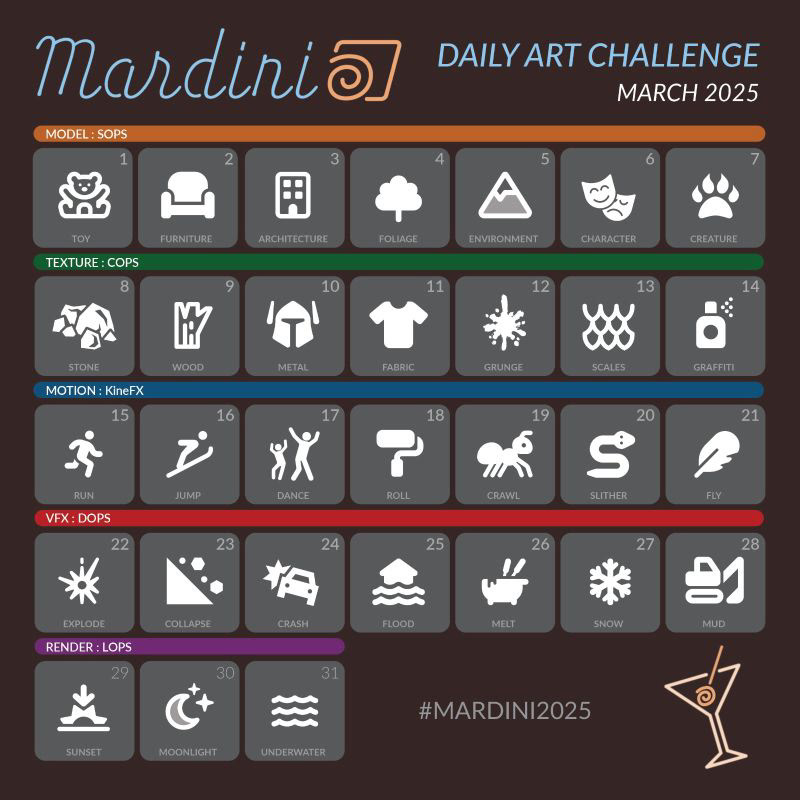
As part of the Mardini 2025 challenge organized by SideFX, I created 31 unique Houdini projects over the course of 31 days — or a bit more if you count the render time — each one based on a daily prompt.
Each day, I set out to build a complete procedural setup from scratch — not to create polished final pieces, but to learn and experiment. As I was (re)learning Houdini throughout the challenge, my focus was on exploring ideas quickly, testing new nodes, workflows, and creative approaches.
Week 1: Modeling
Week 2: Texturing & UVs
Week 3: Motion & Animation
Week 4: VFX & Simulation
Week 5: Rendering & Lookdev
Blog Diary (Breakdown)
In March 2025, I took part in the Mardini challenge organized by SideFX - 31 procedural projects in 31 days, each inspired by a daily prompt. I approached the challenge not with the goal of producing polished final pieces, but as an opportunity to (re)learn Houdini, test ideas quickly, and push myself creatively within strict time constraints.
This post-mortem blog post is a reflection on that journey: what worked, what didn’t, and what I took away from it.
Week 1 - Modeling
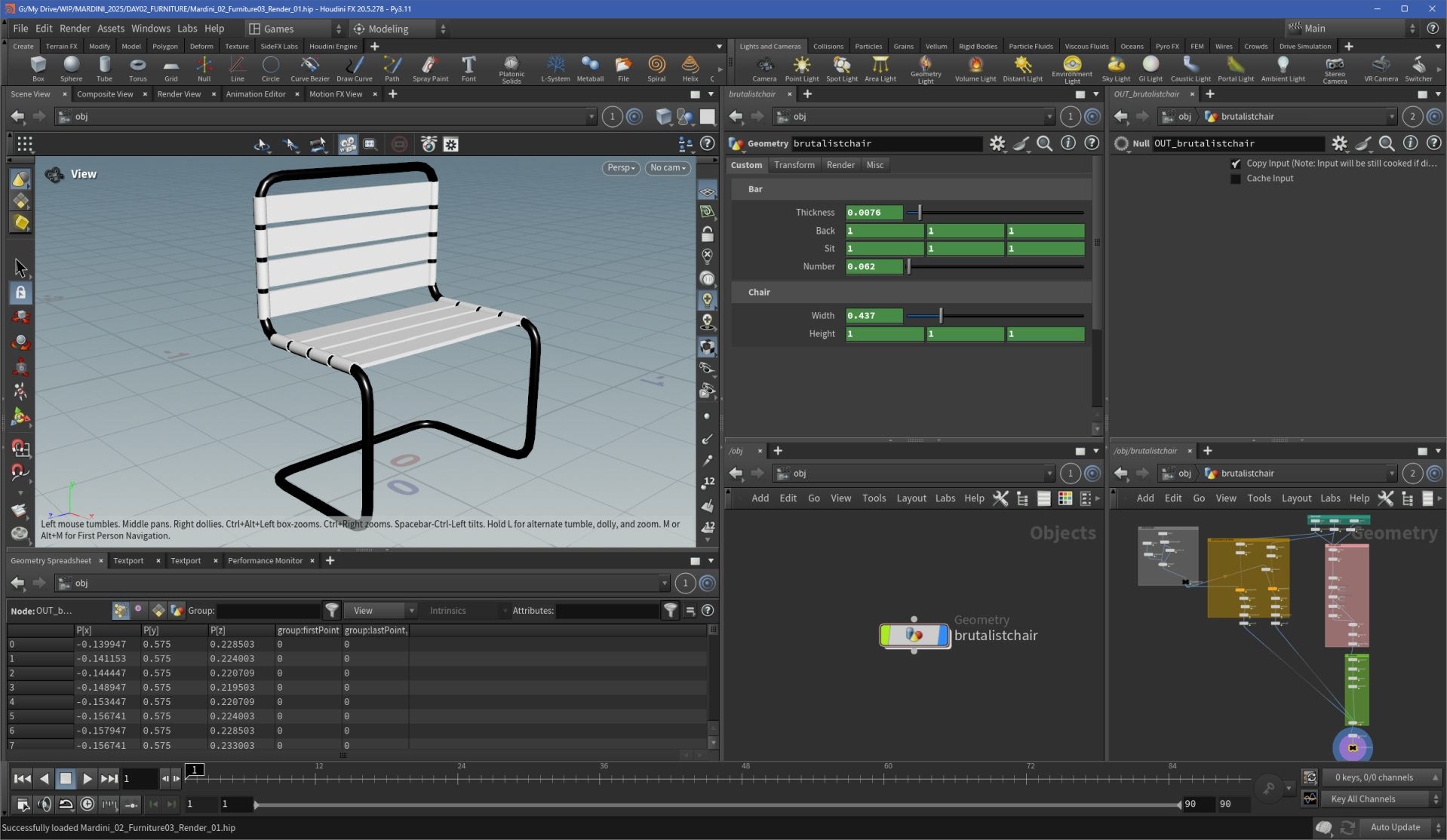
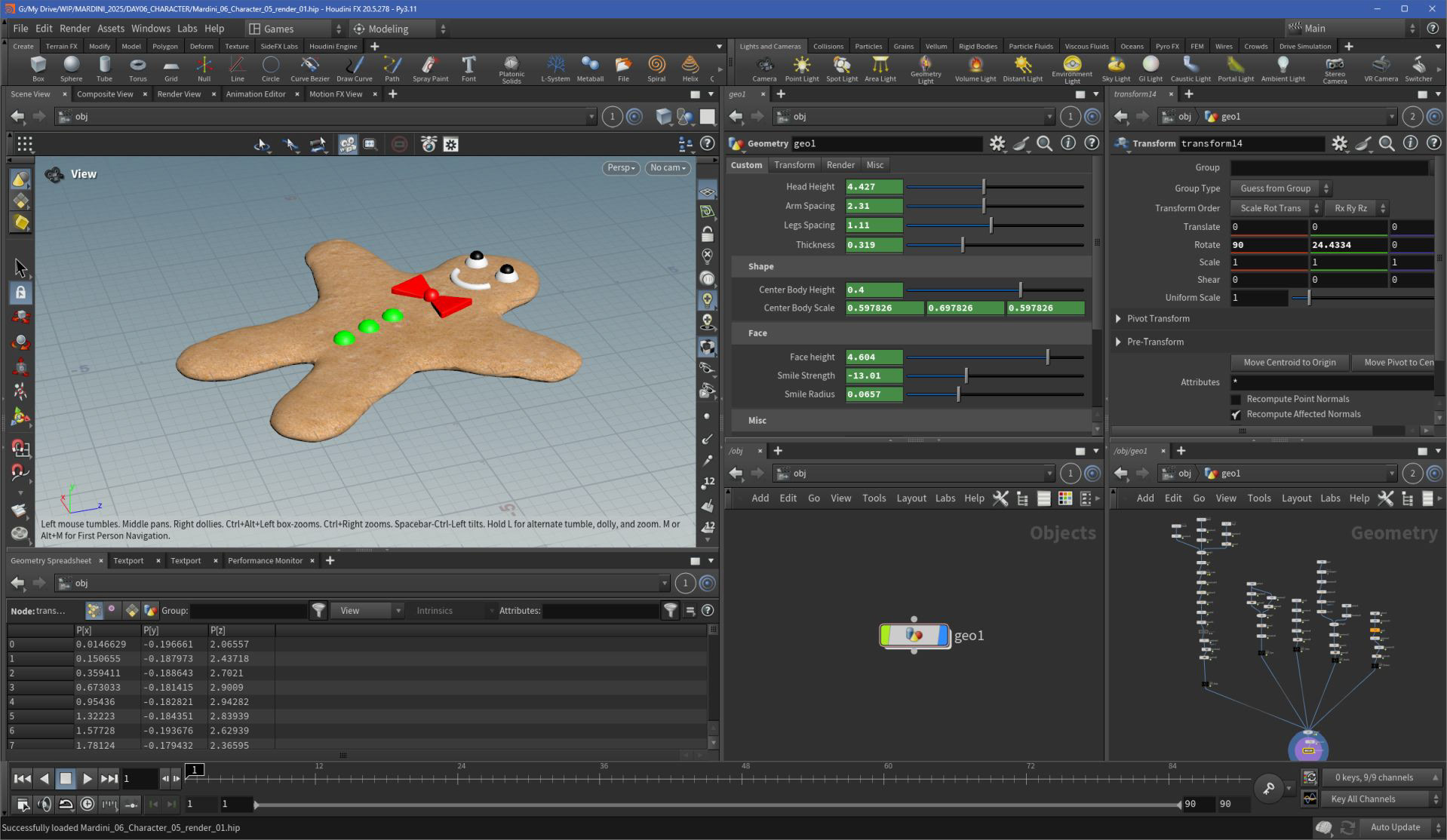
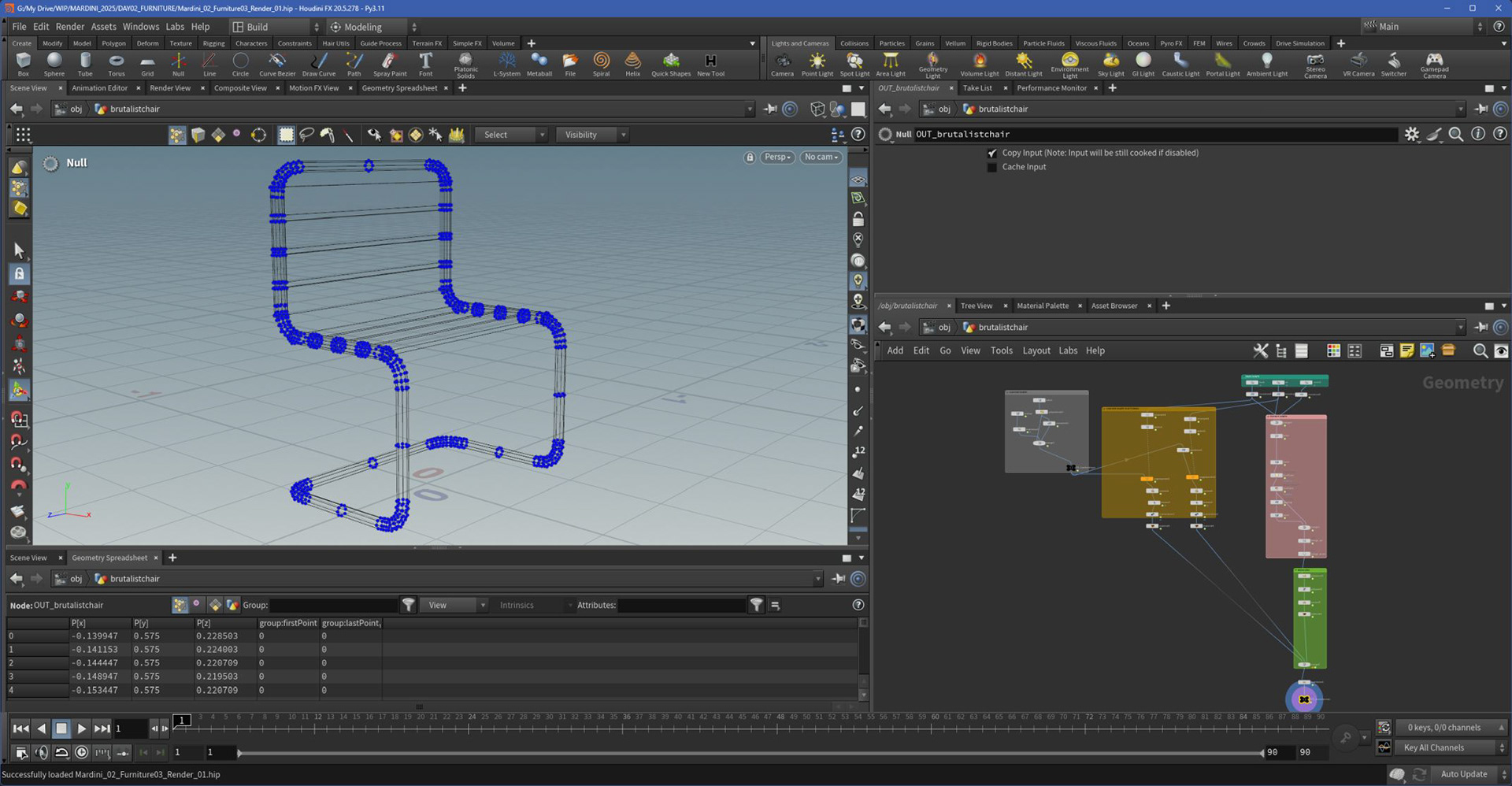
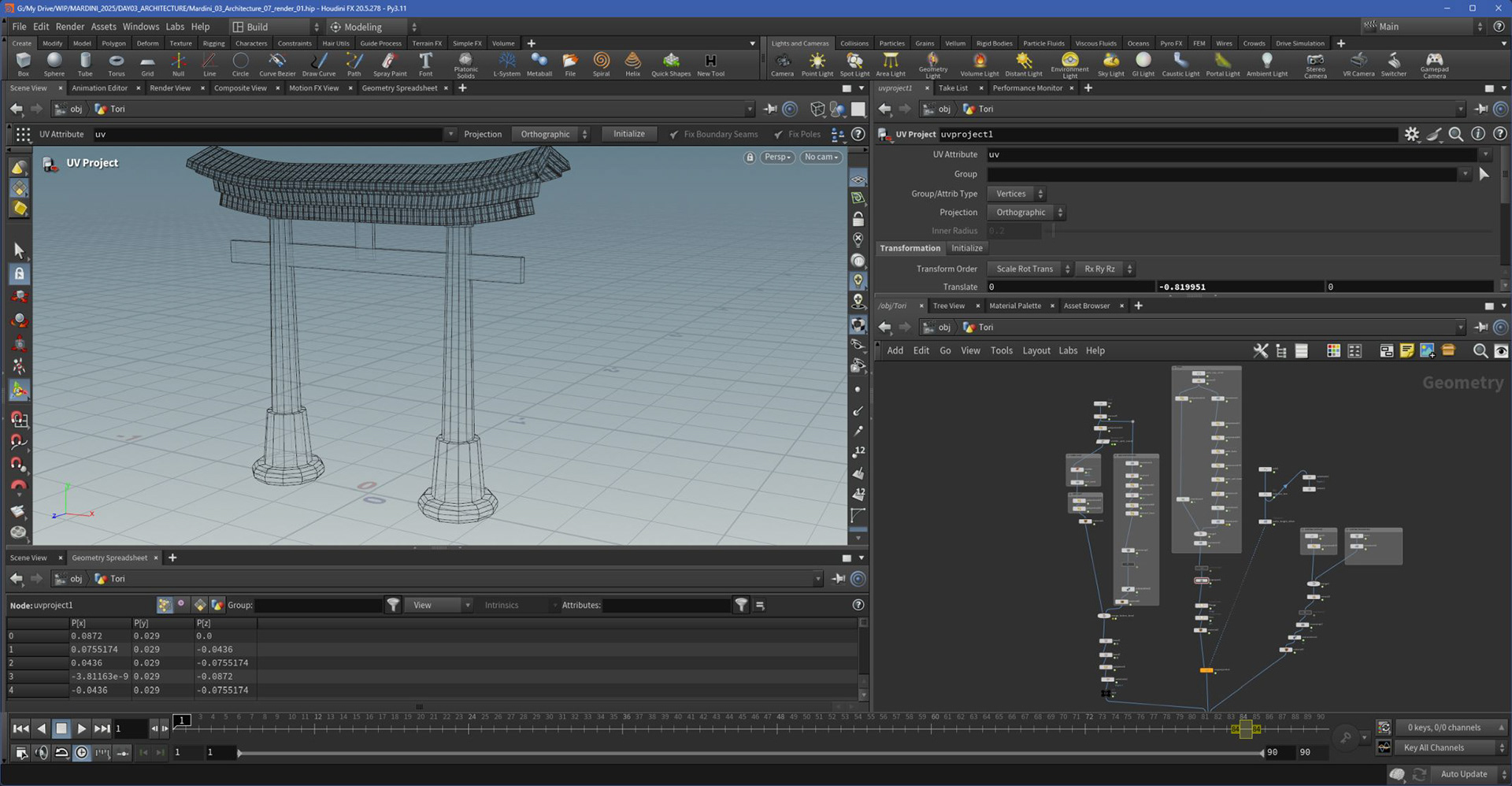
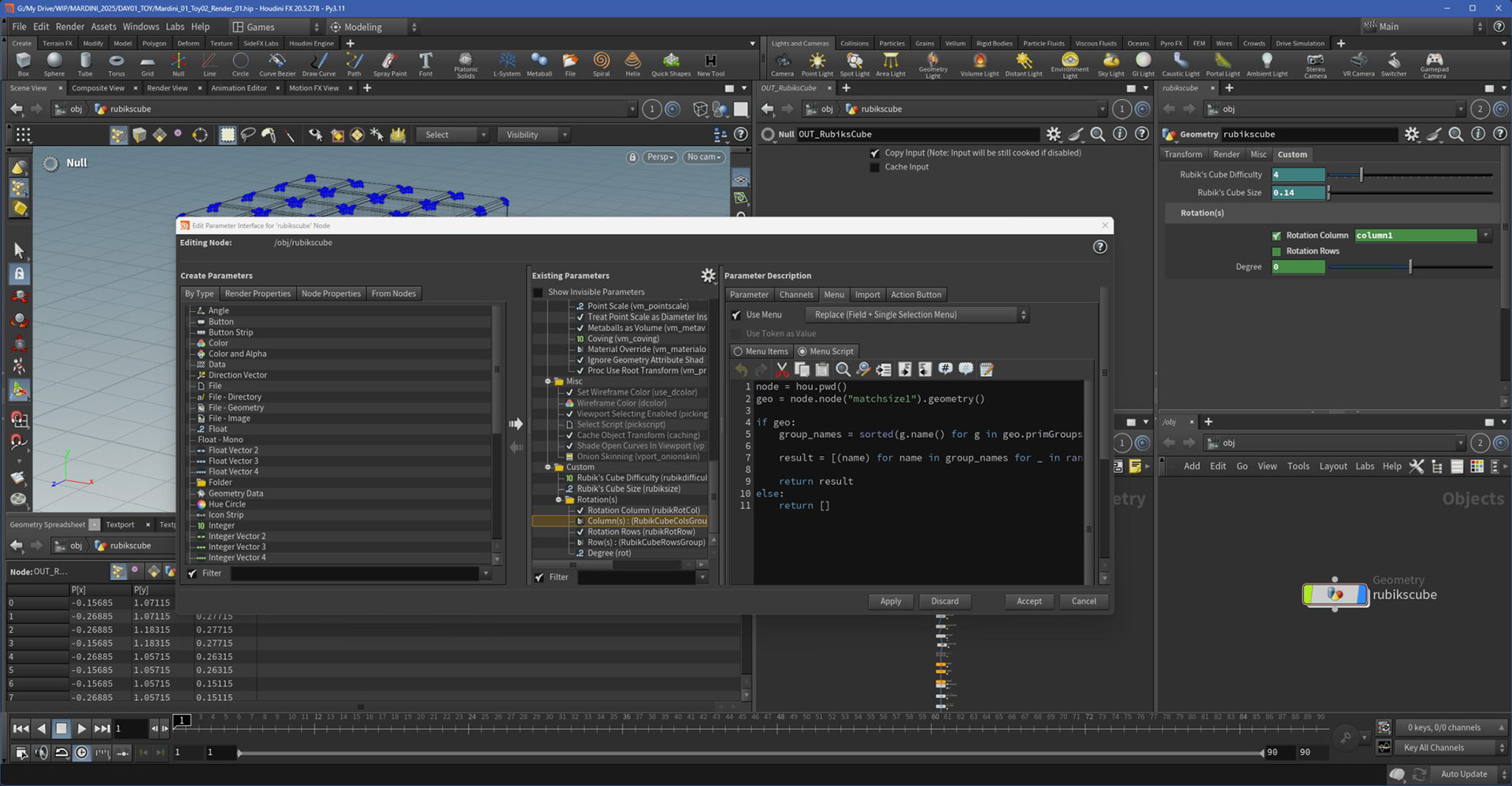
This first week was about re-establishing my comfort with SOPs and core geometry workflows. I treated these projects like sketches - quick shapes, simple logic, and a lot of boolean, copy-to-points, and attribute wrangling (without actual VEX).
I also challenged myself to approach each model as if I were building a proper Houdini Digital Asset. That meant thinking about what kind of shapes the object could take, and designing procedural controls and parameters that made the asset flexible and reusable. Even if the end result was rough, the process helped me shift my mindset from just building visuals to designing tools.
Week 2 - Texturing
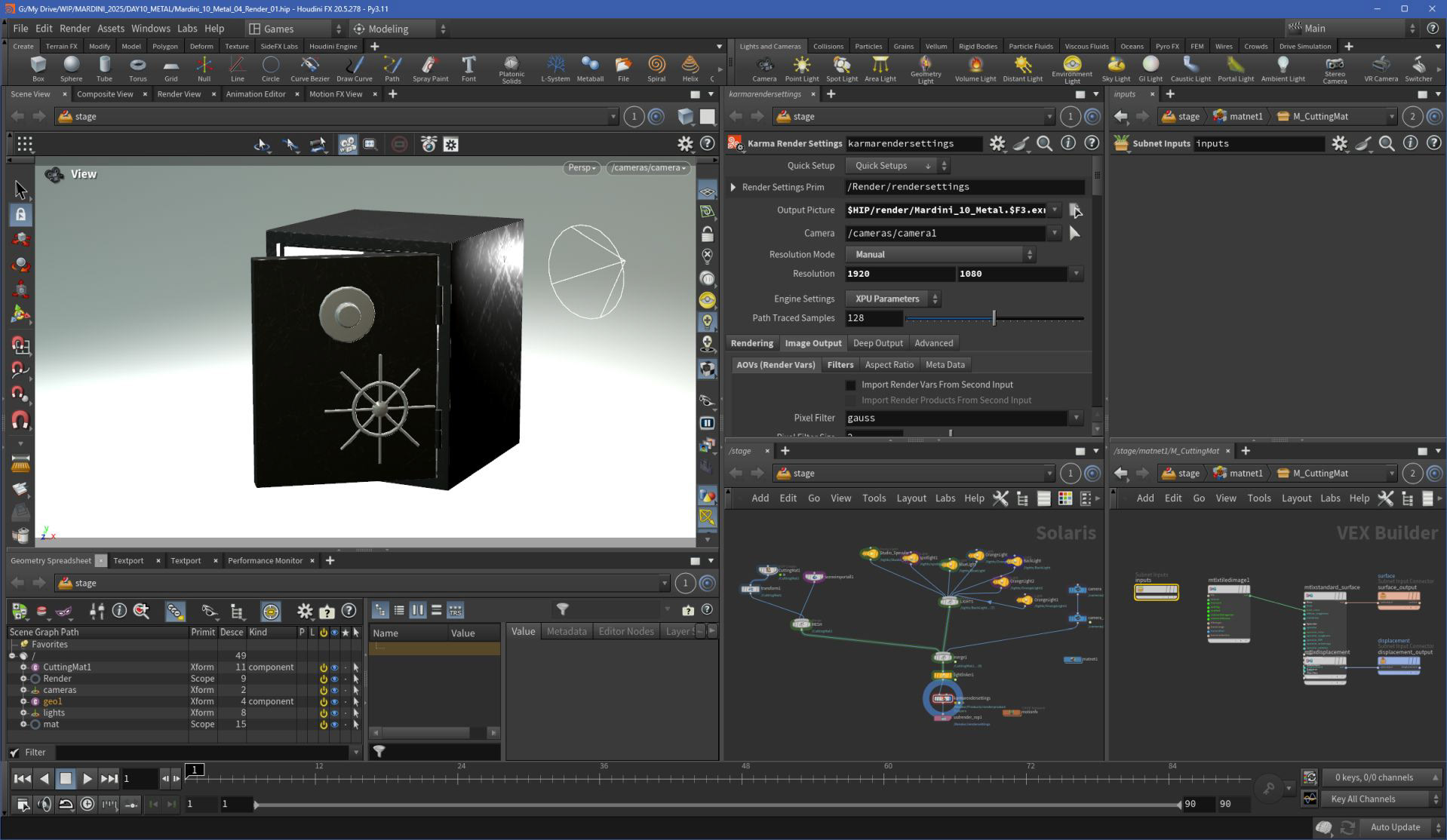
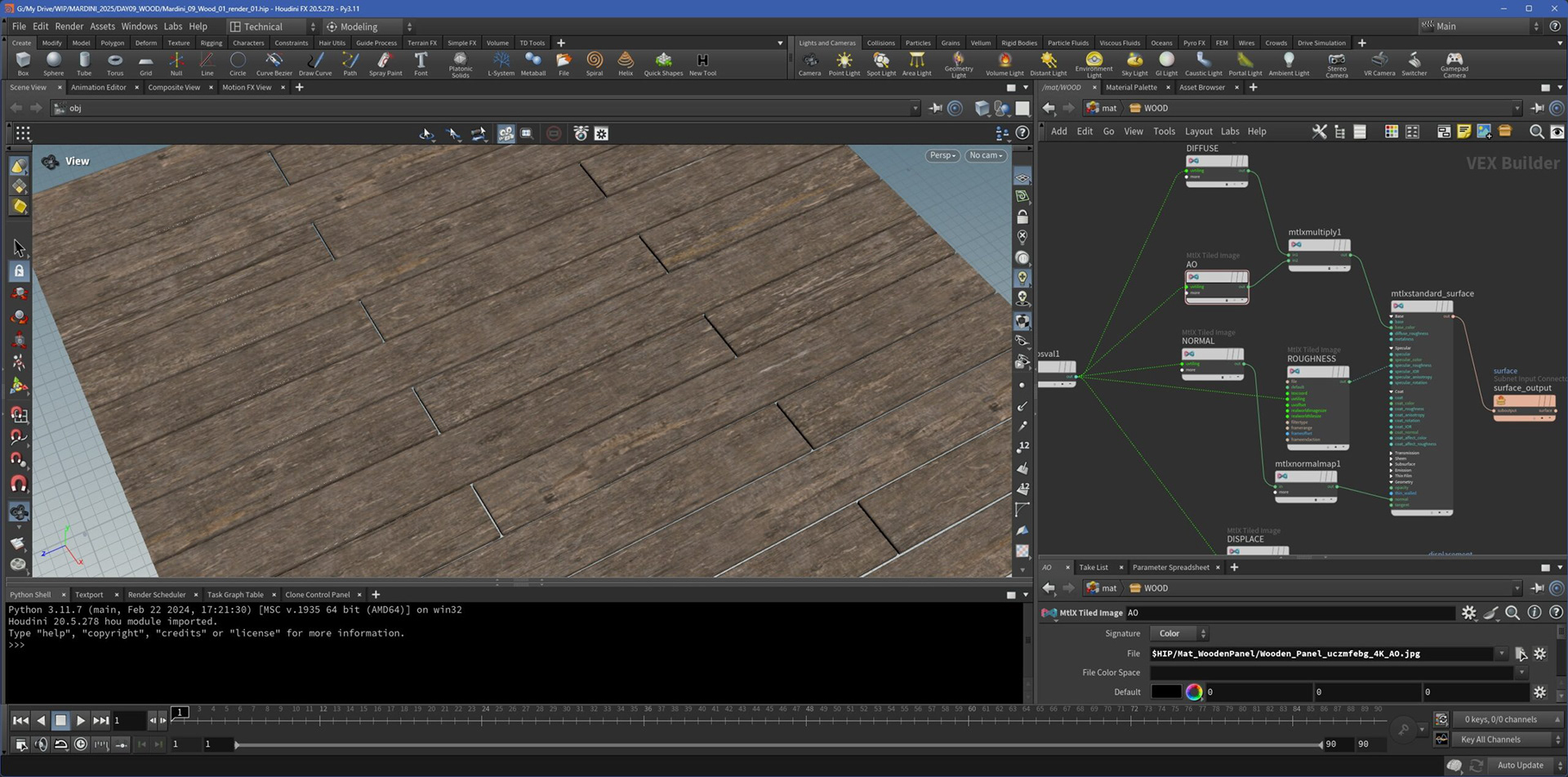
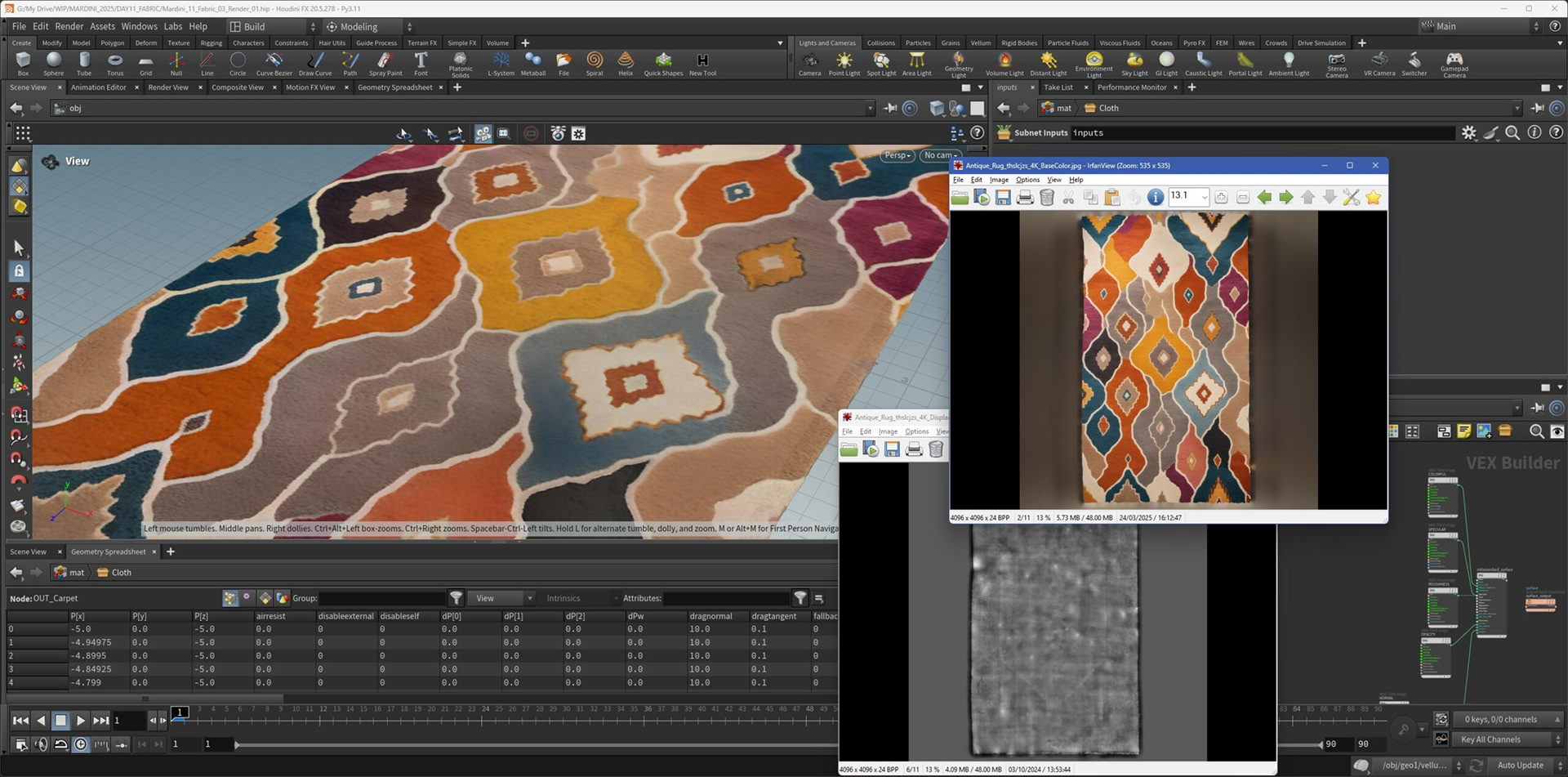
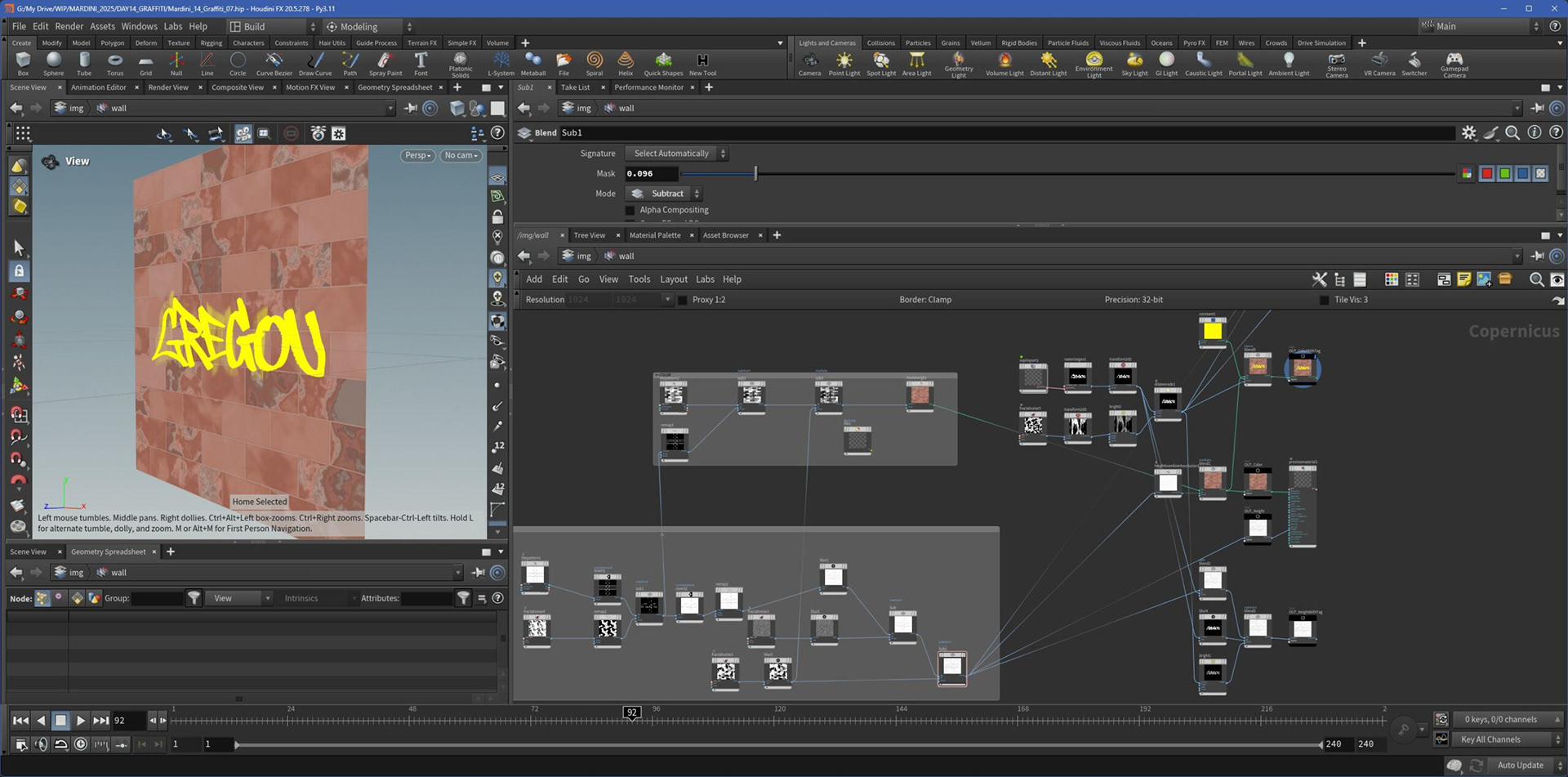
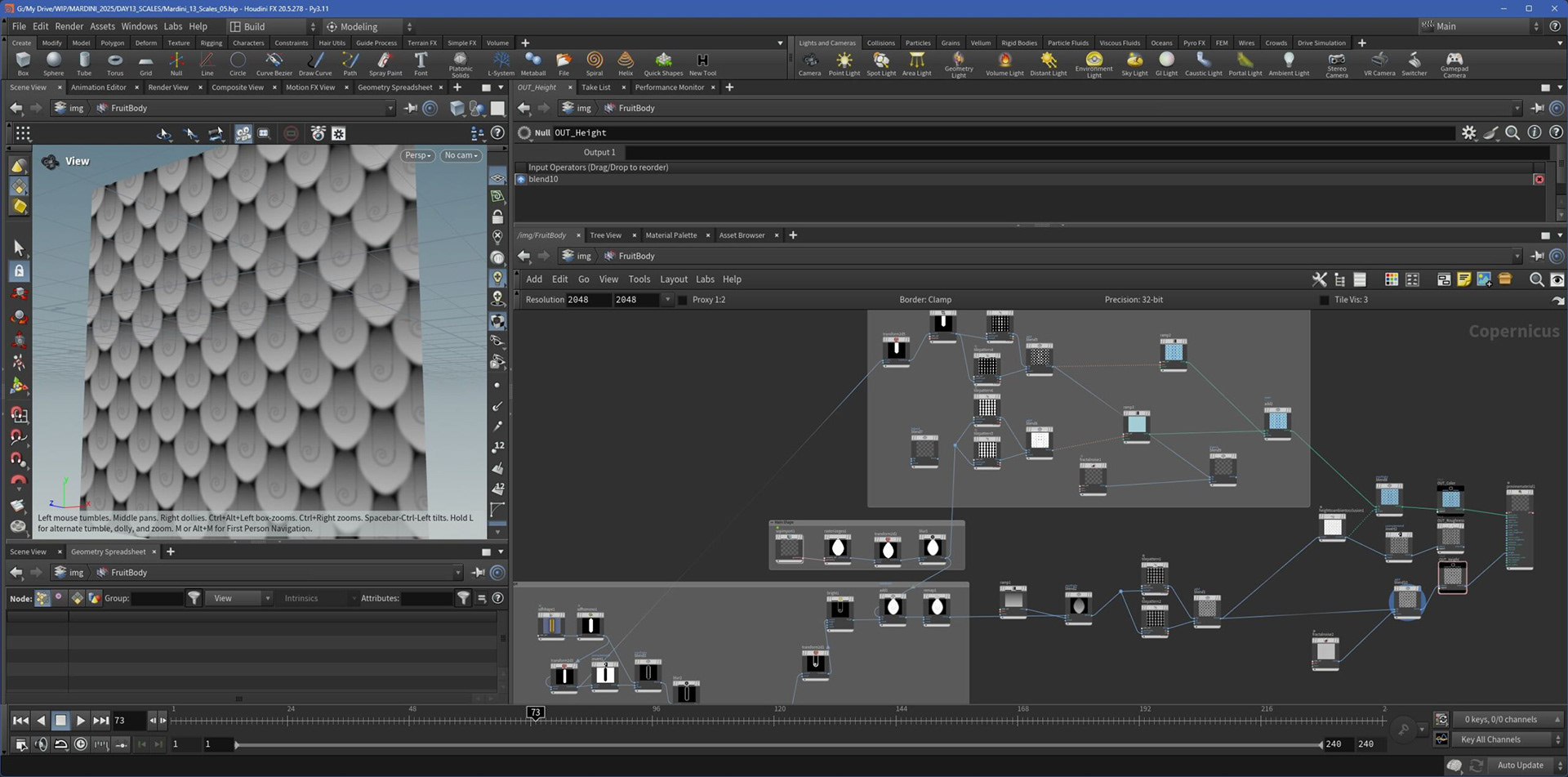
In the second week, I shifted focus to look development and surface detail. I started by applying pre-made textures to my models to get comfortable with MaterialX shaders in Solaris. This helped me understand how shading networks are structured and how to manage materials within a LOP-based pipeline.
As the week progressed, I challenged myself to go further by creating procedural textures using Copernicus, Houdini’s new node-based texturing system. It was a great way to explore noise layering, masks, and custom ramps - and to see how far I could push surface detail without relying on external image maps.
Week 3 - Motion
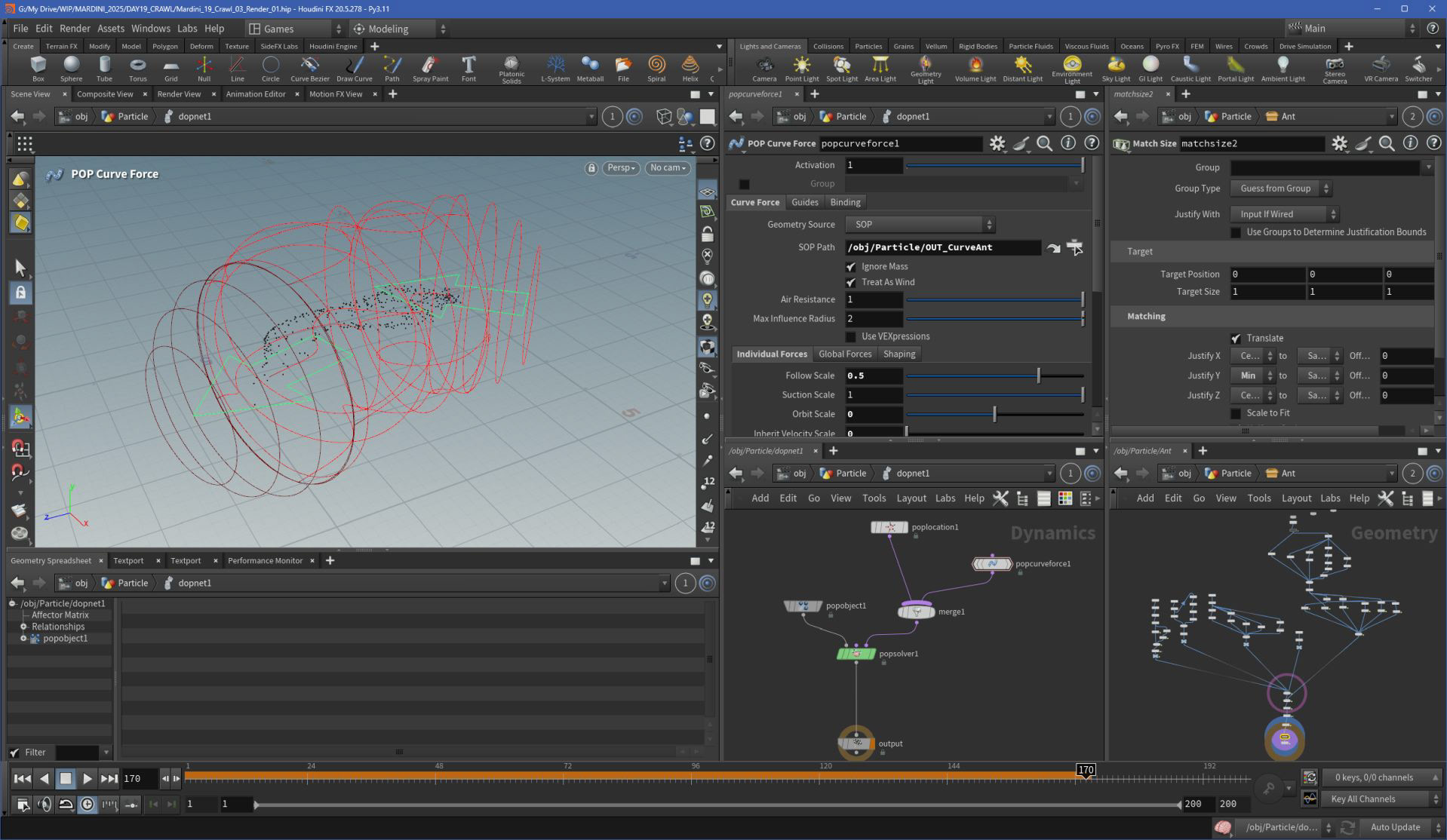
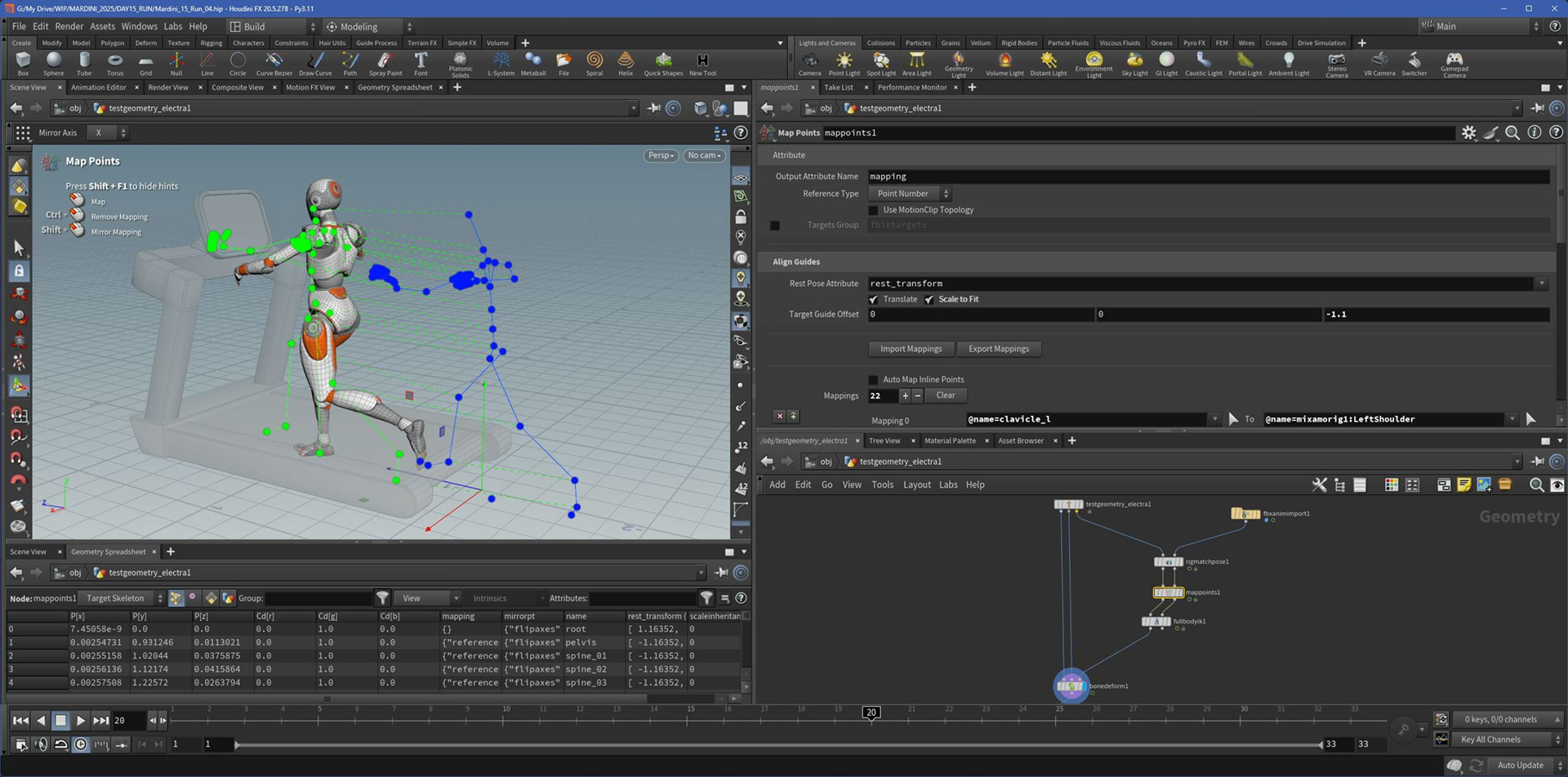
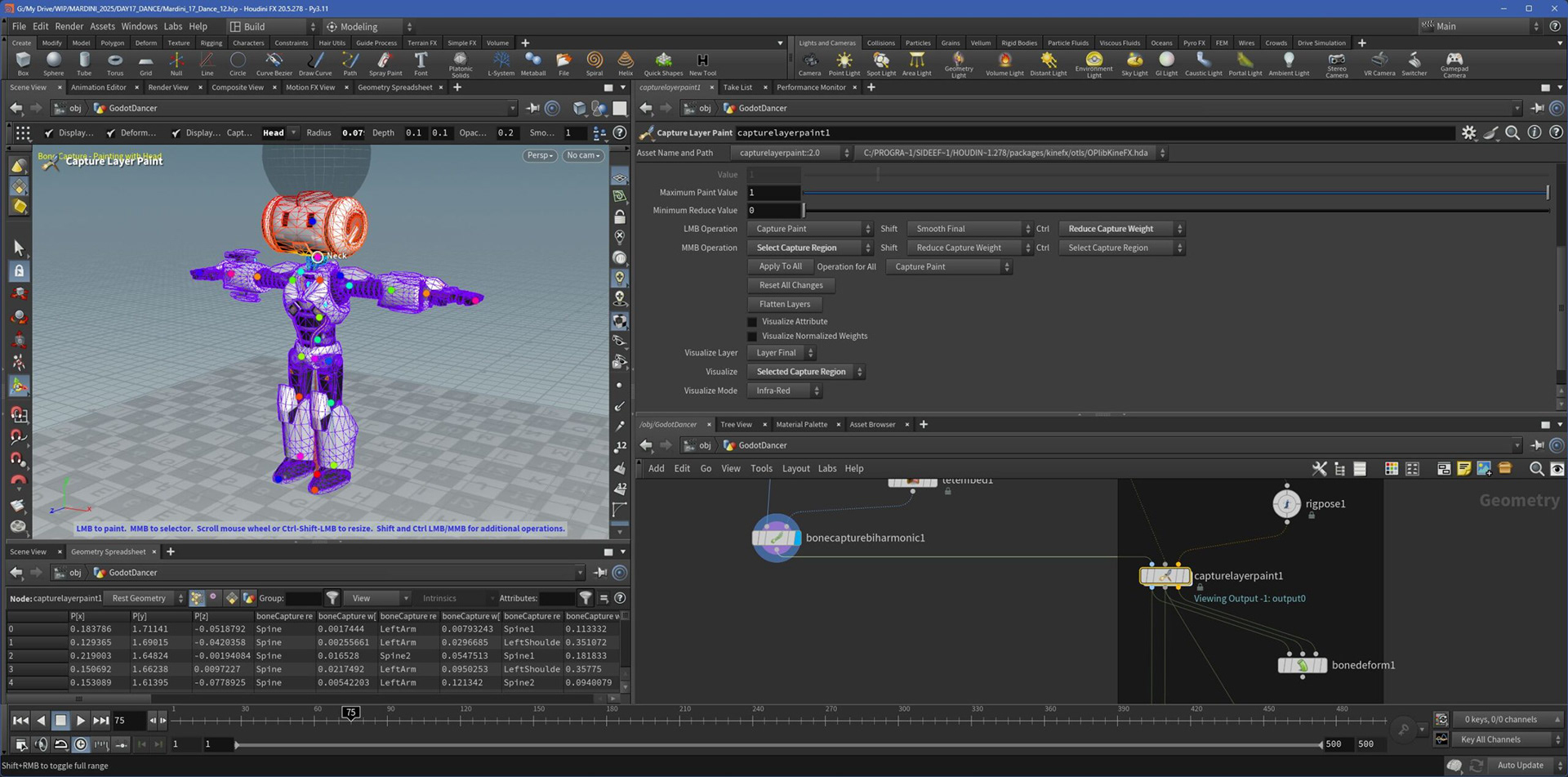
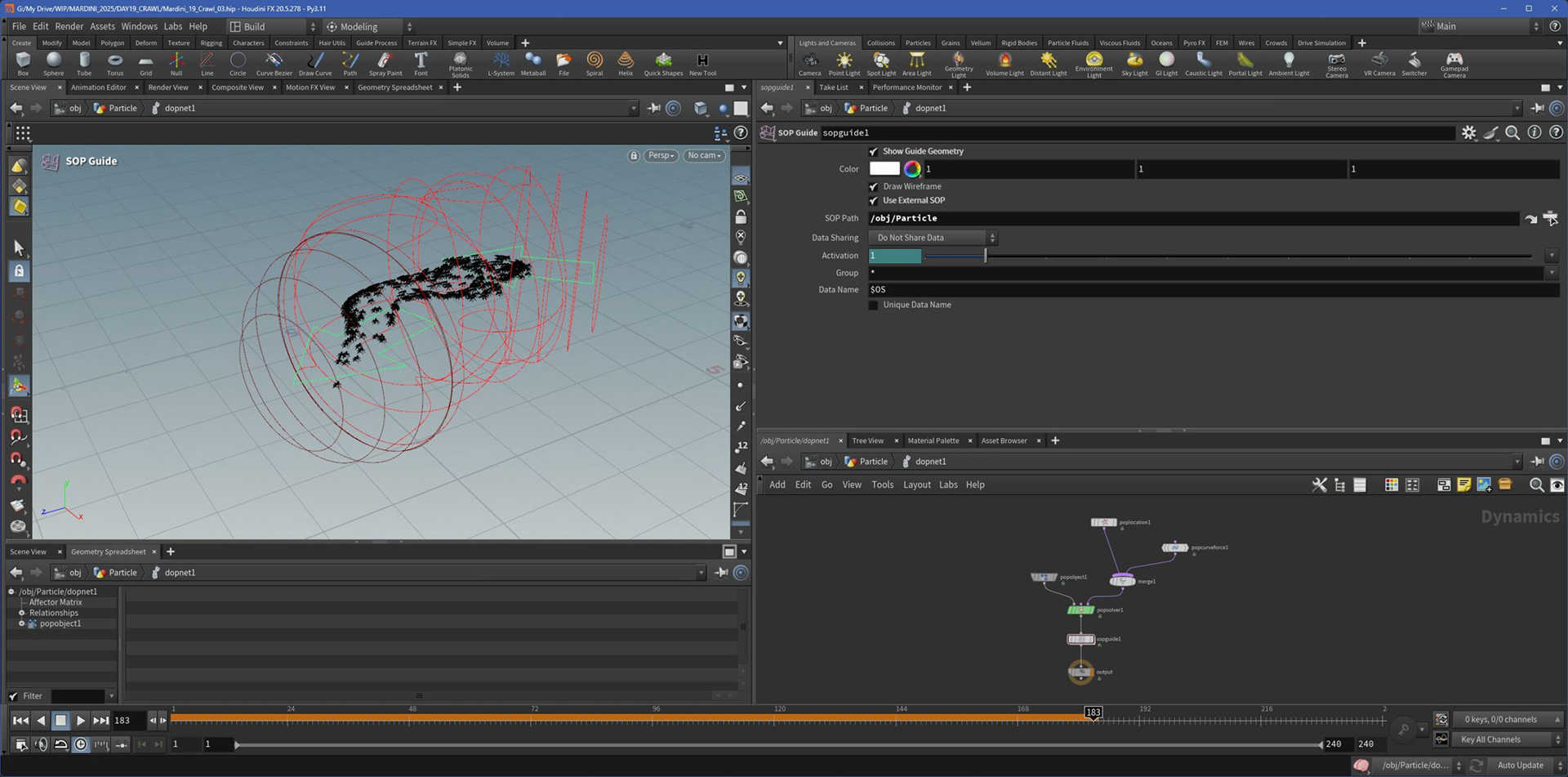
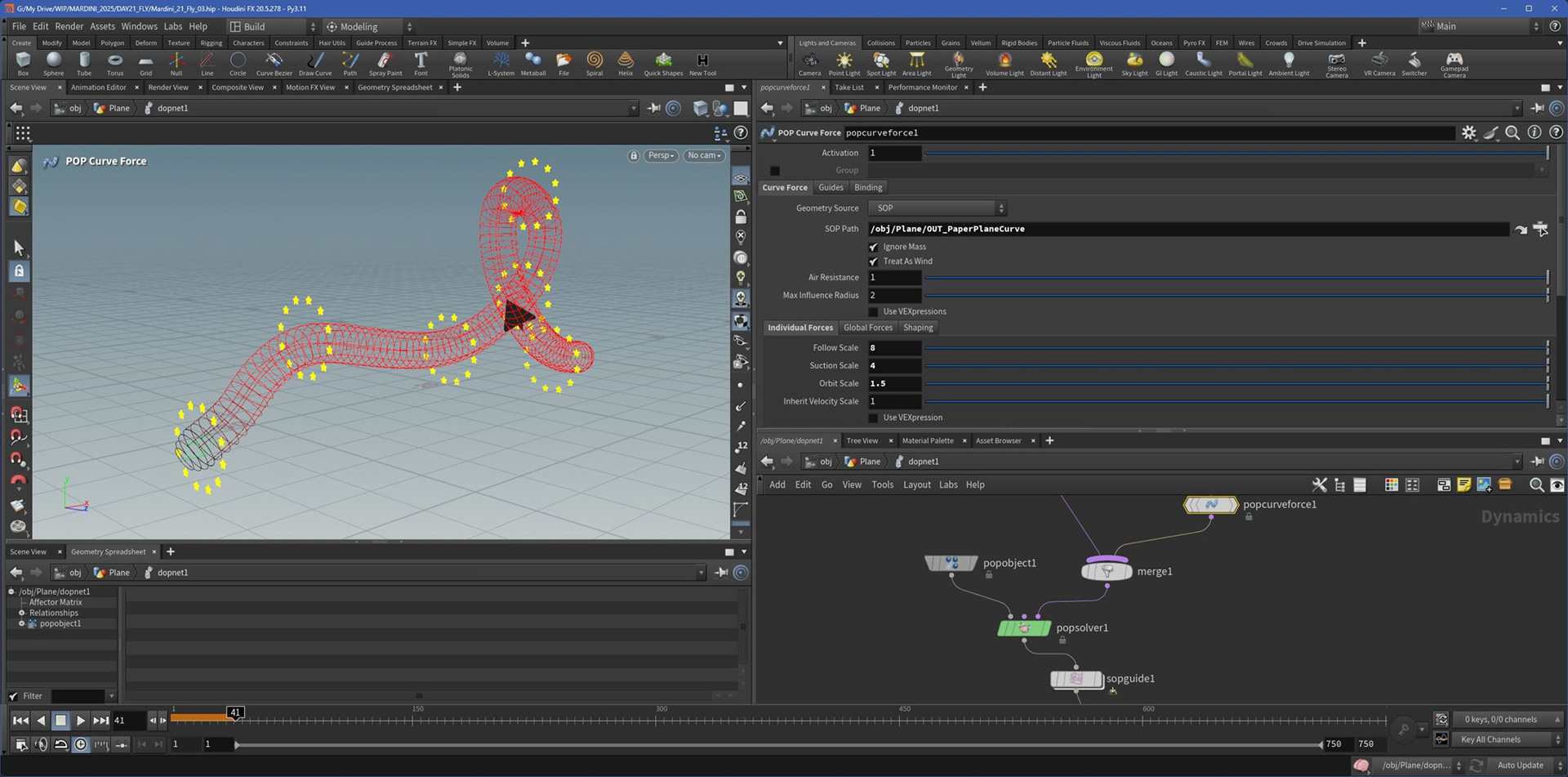
This week, I explored different ways to animate: from manual keyframing to Bullet simulations (like the ant project), and even Mixamo mocap applied to imported characters using KineFX's bone deform and rigging.
I also tried out procedural animation, such as the sine-based movement for the “Slither” prompt. It was a great mix of artistic control and technical experimentation across multiple animation styles.
Week 4 - VFX
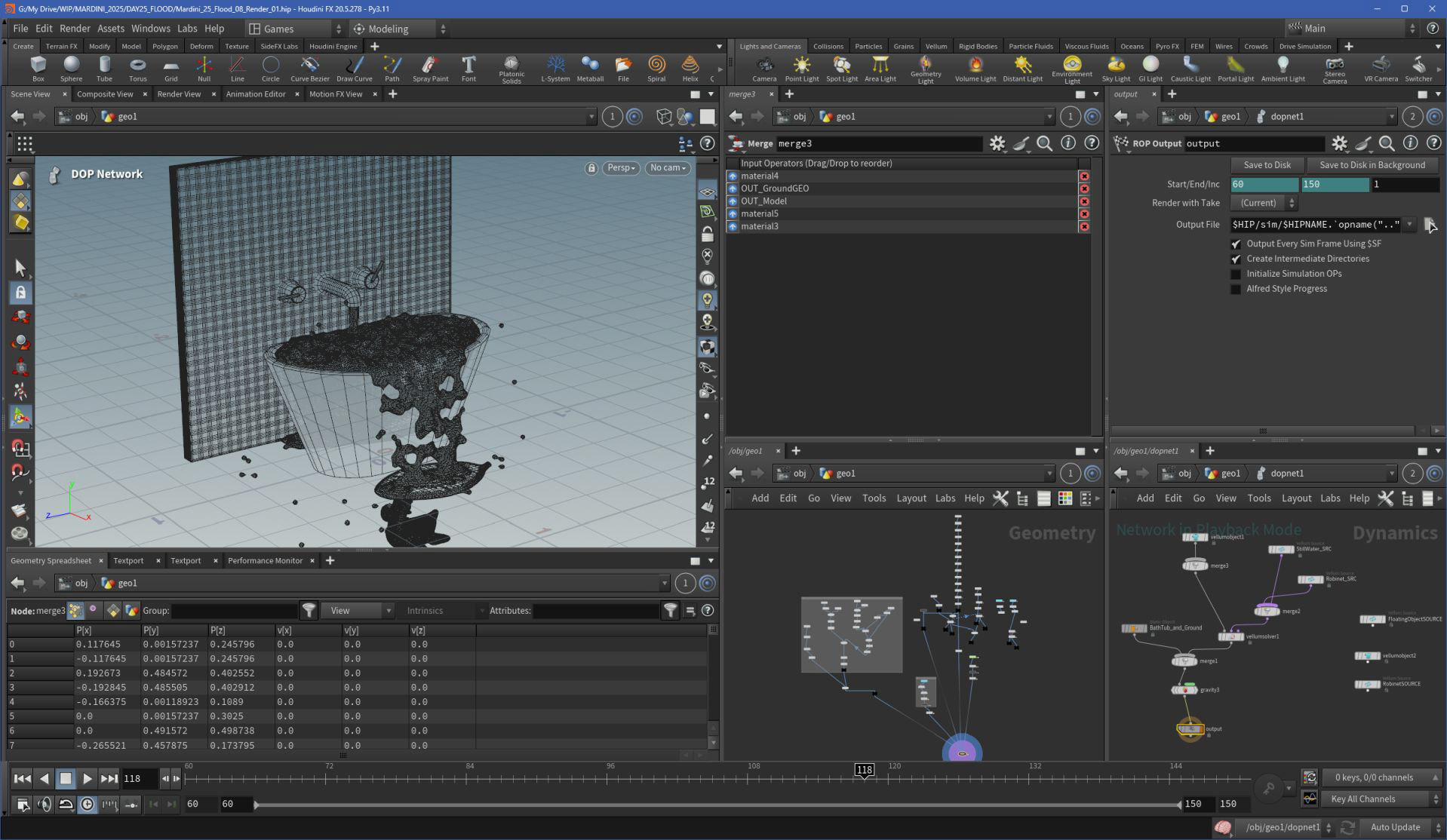
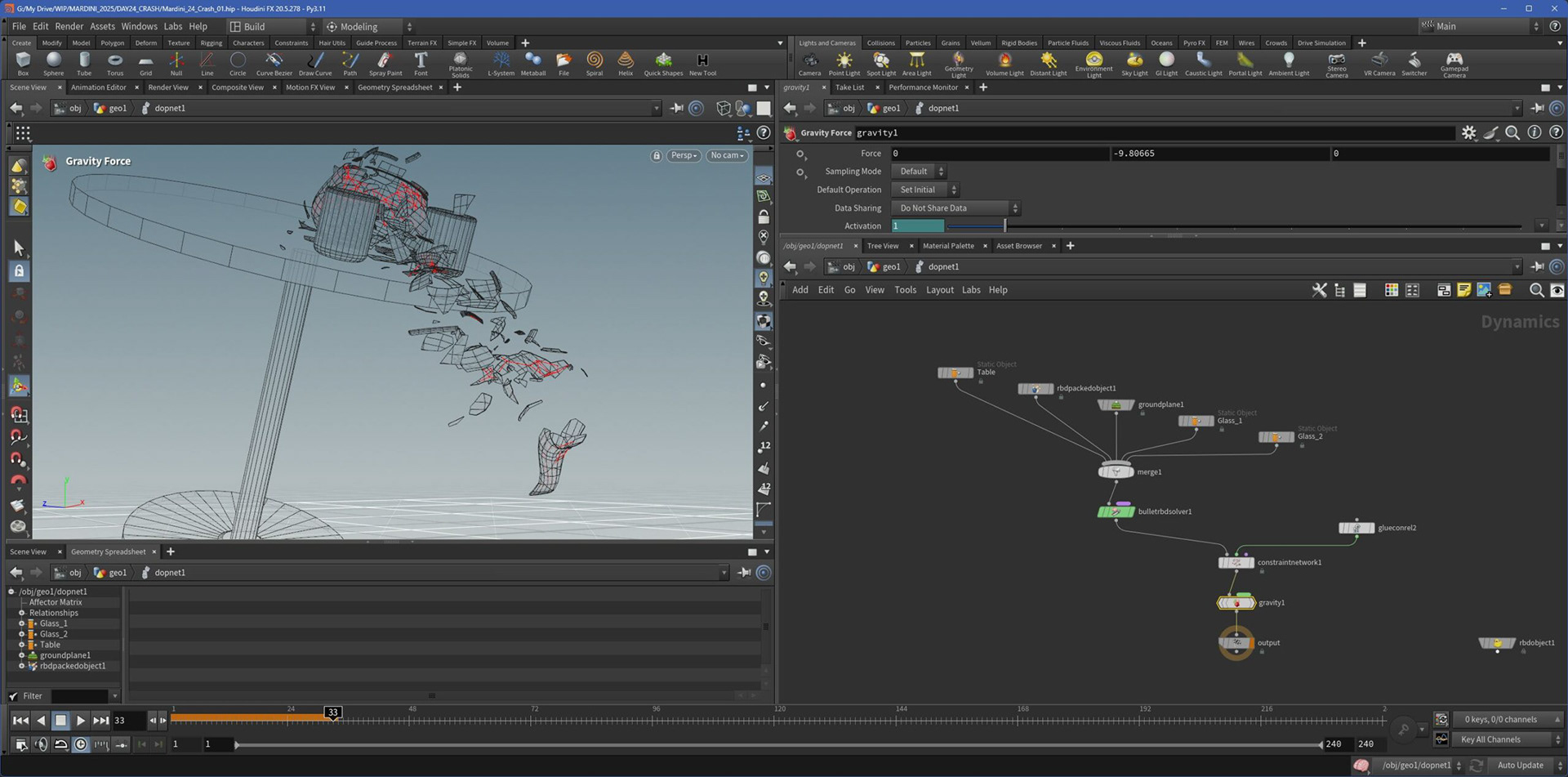
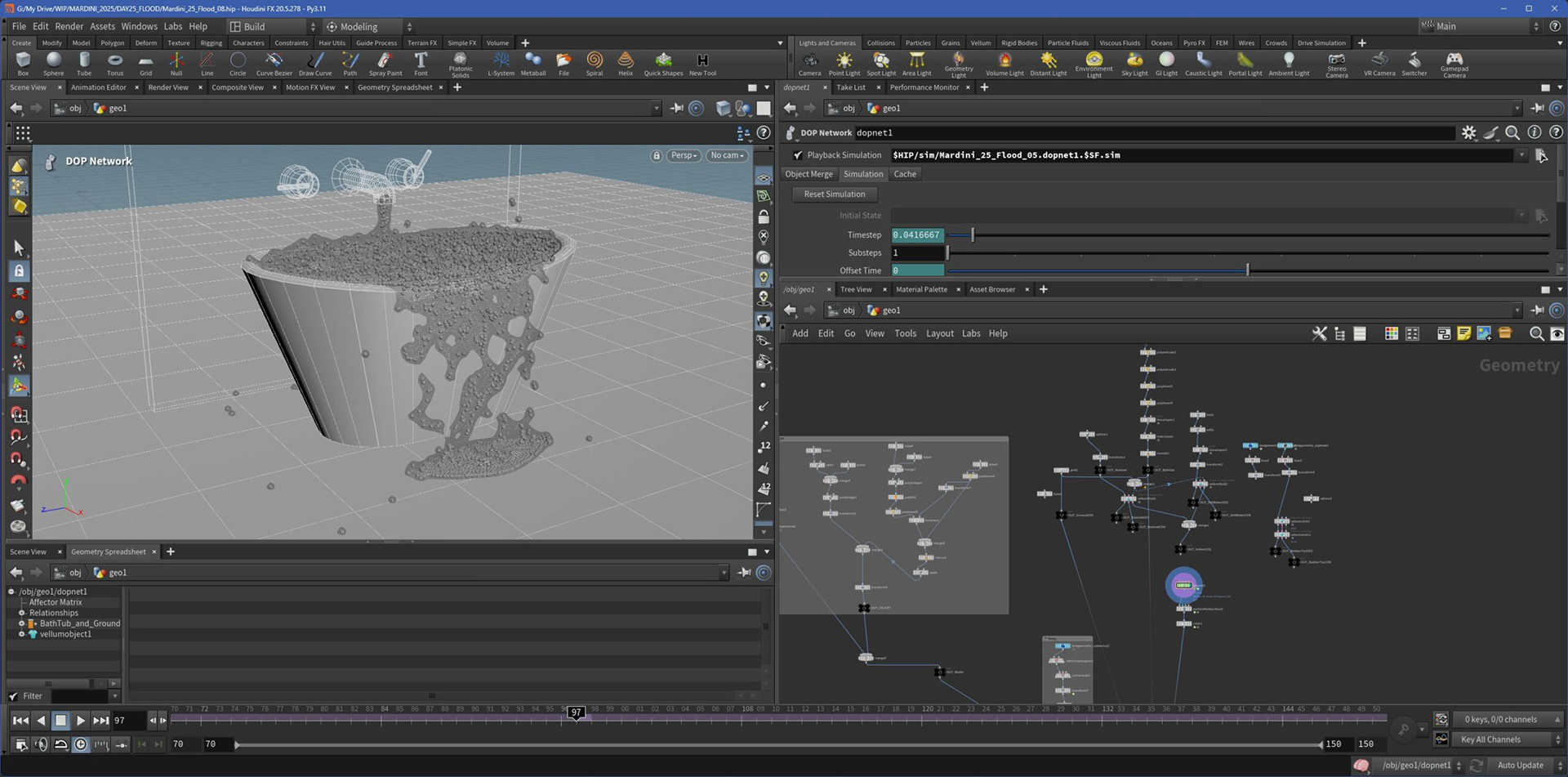
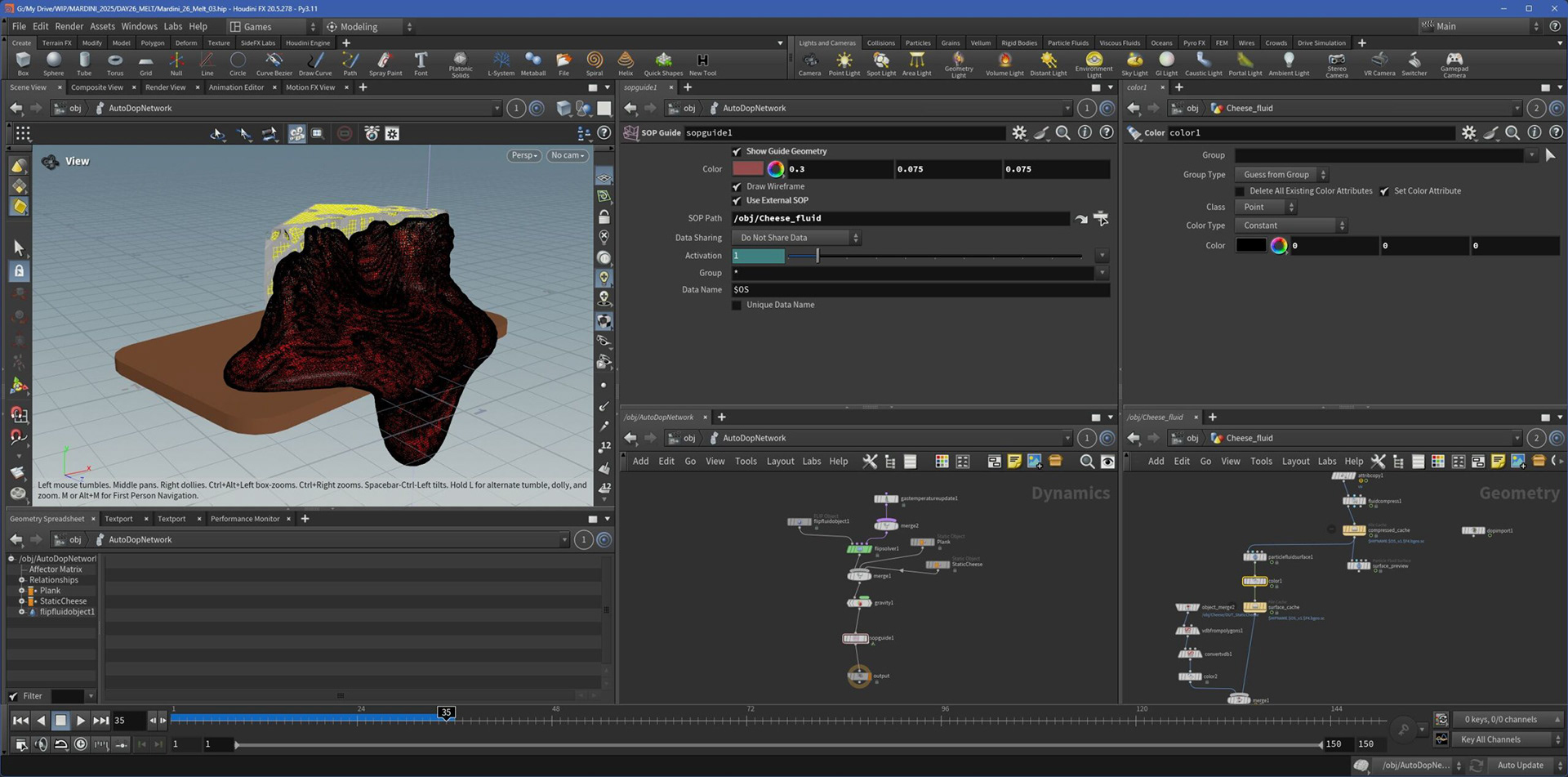
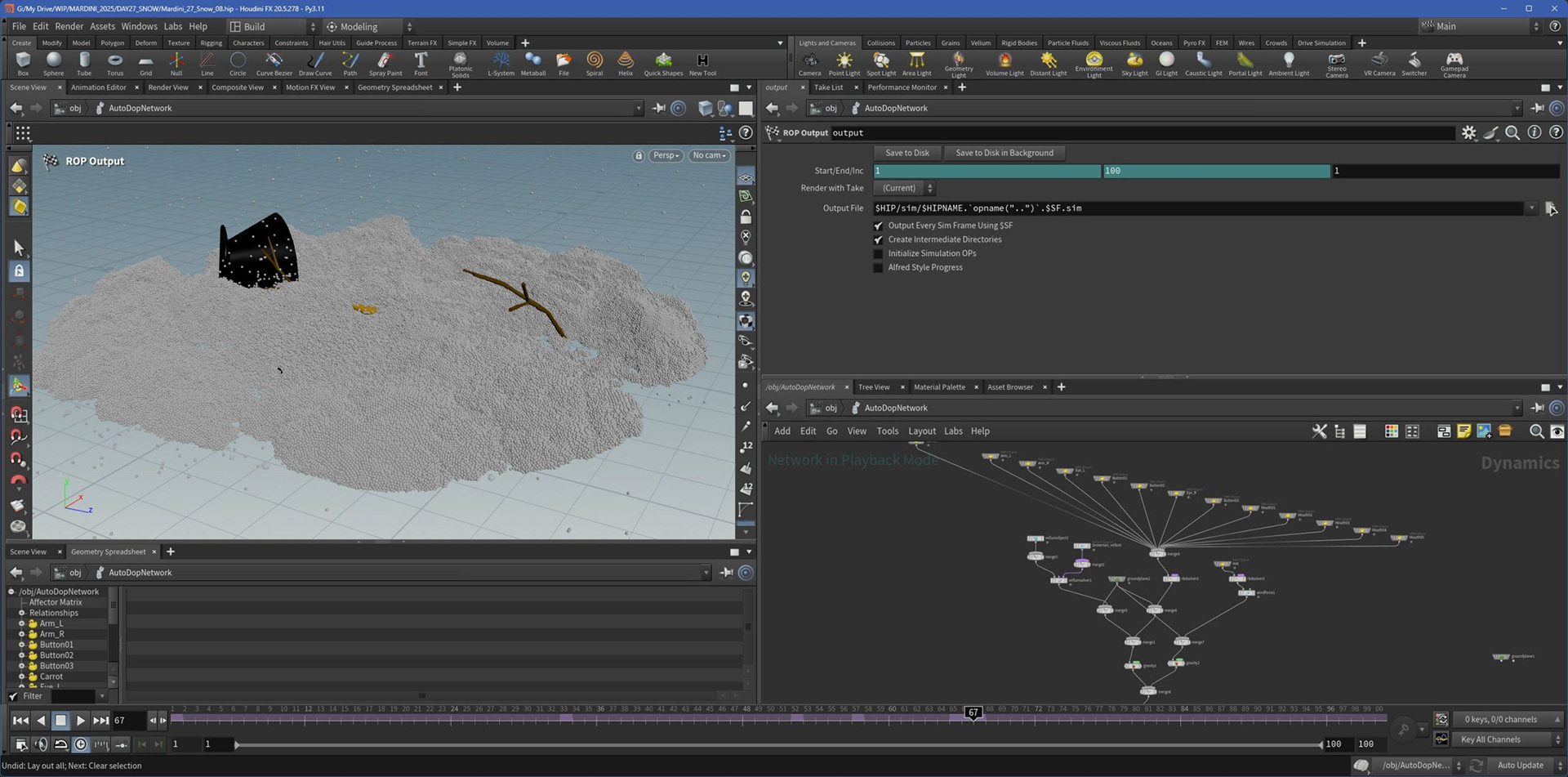
This week, I dove into Vellum to explore different types of simulations. I experimented with liquid-like behavior, melting effects, grain simulations (like in the snowman project), and soft-body destruction (for the teapot scene).
It was a chance to test Houdini’s sim tools in fast, creative setups - focusing on the look and feel rather than perfect accuracy. Each test helped me better understand solver parameters and how to art-direct simulation results quickly.
Week 5 - RENDER
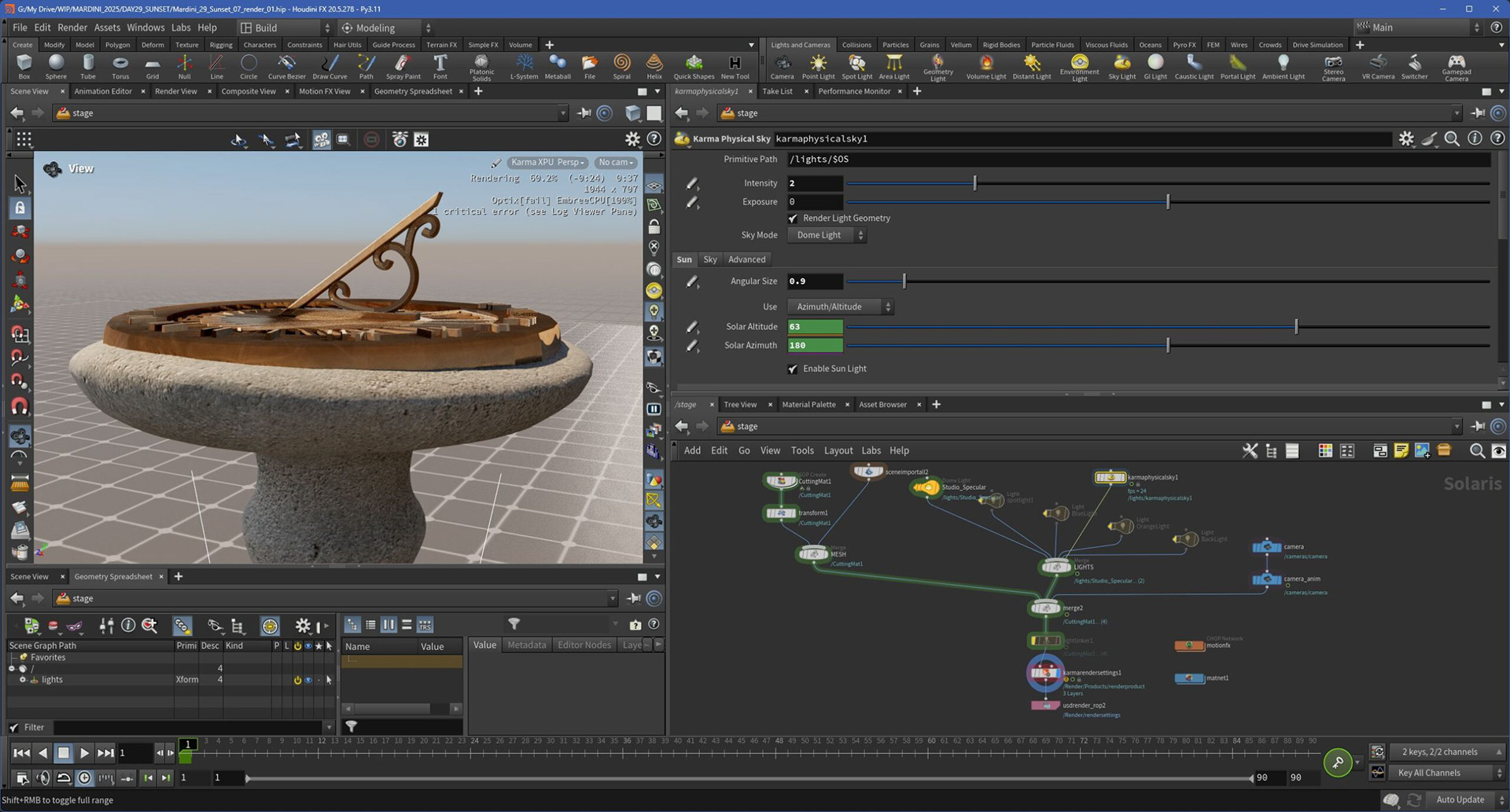
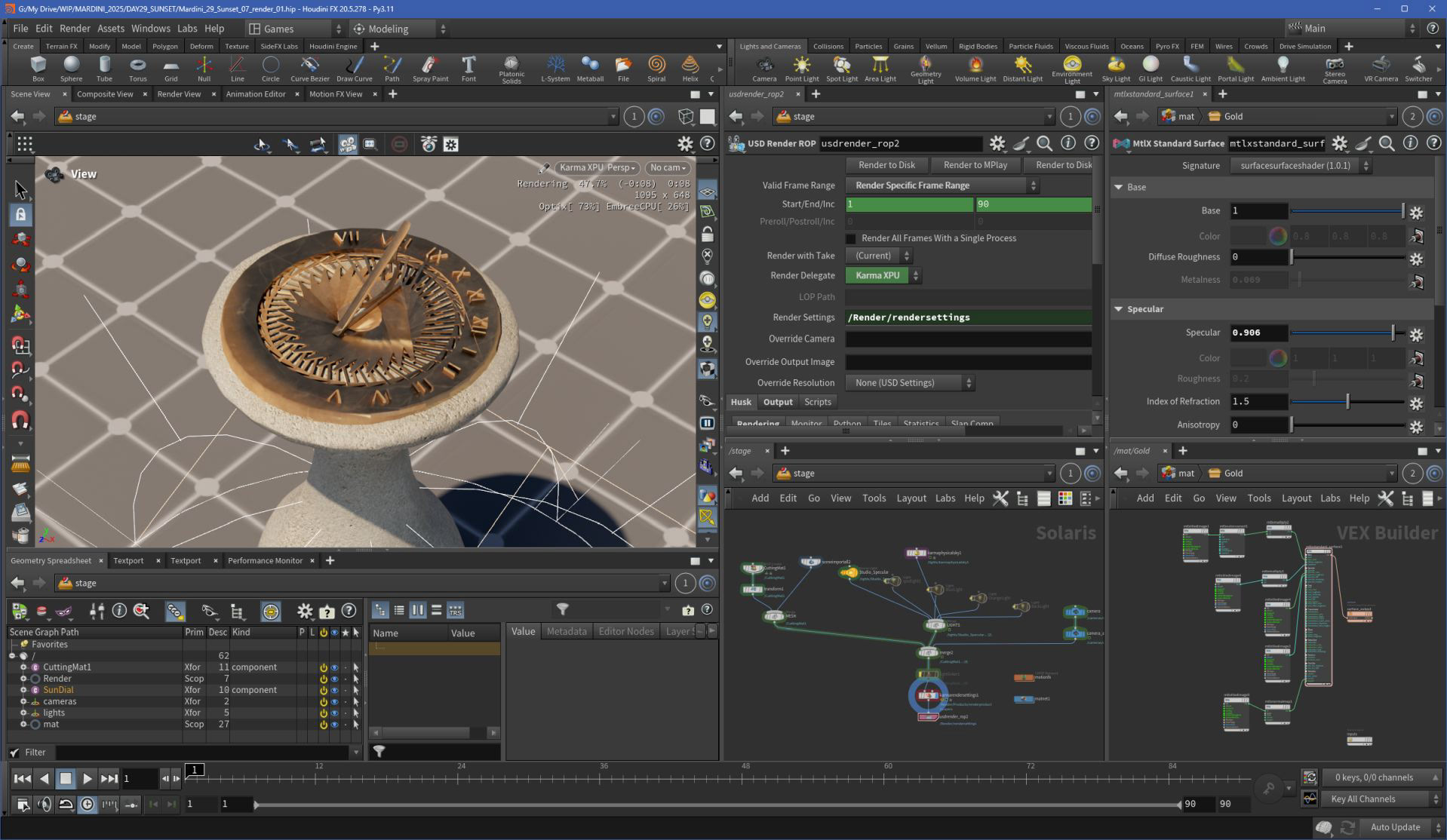
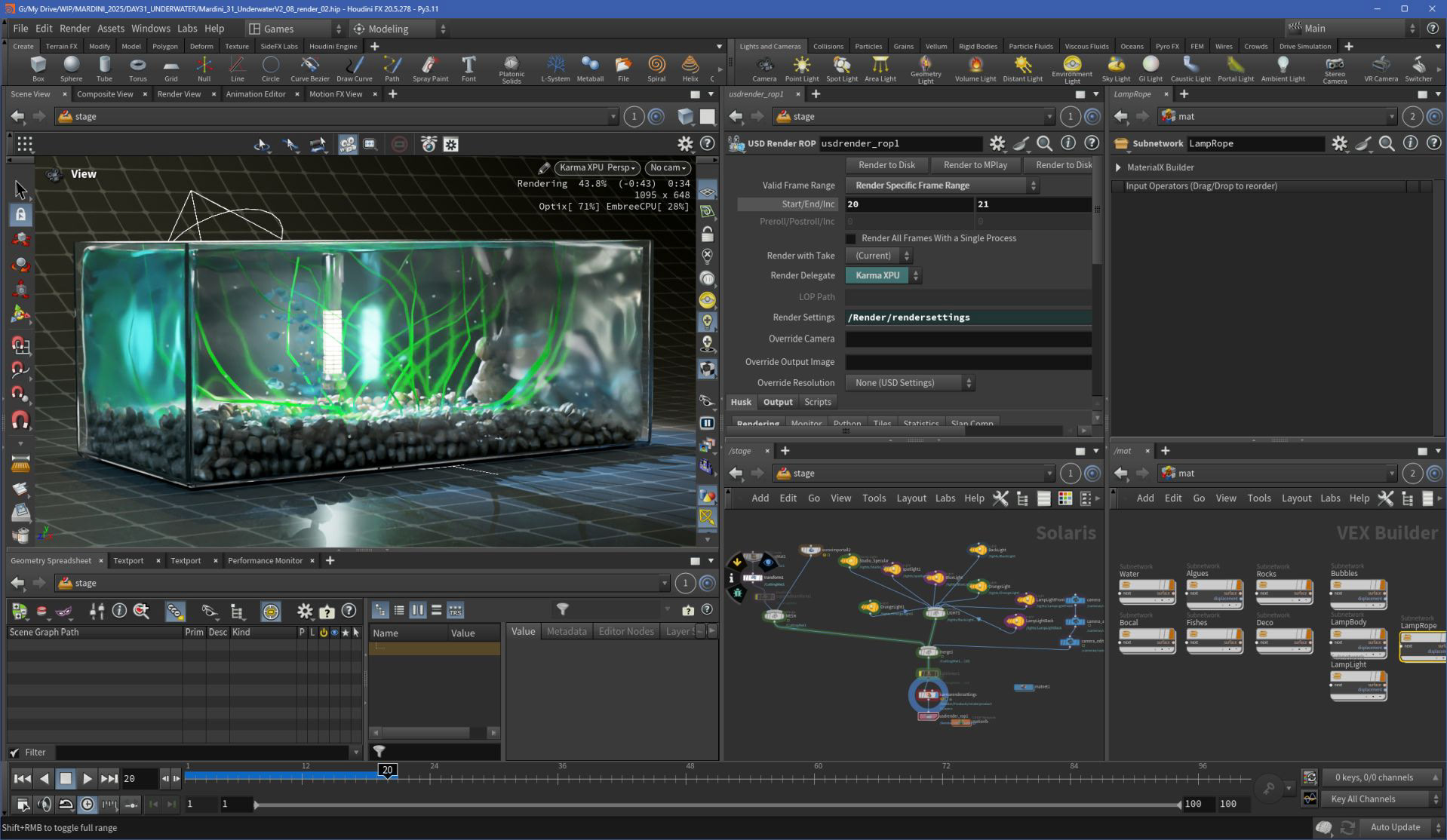
This week included three projects - fewer than in the previous weeks, but enough to explore Karma and the flexibility of Solaris.
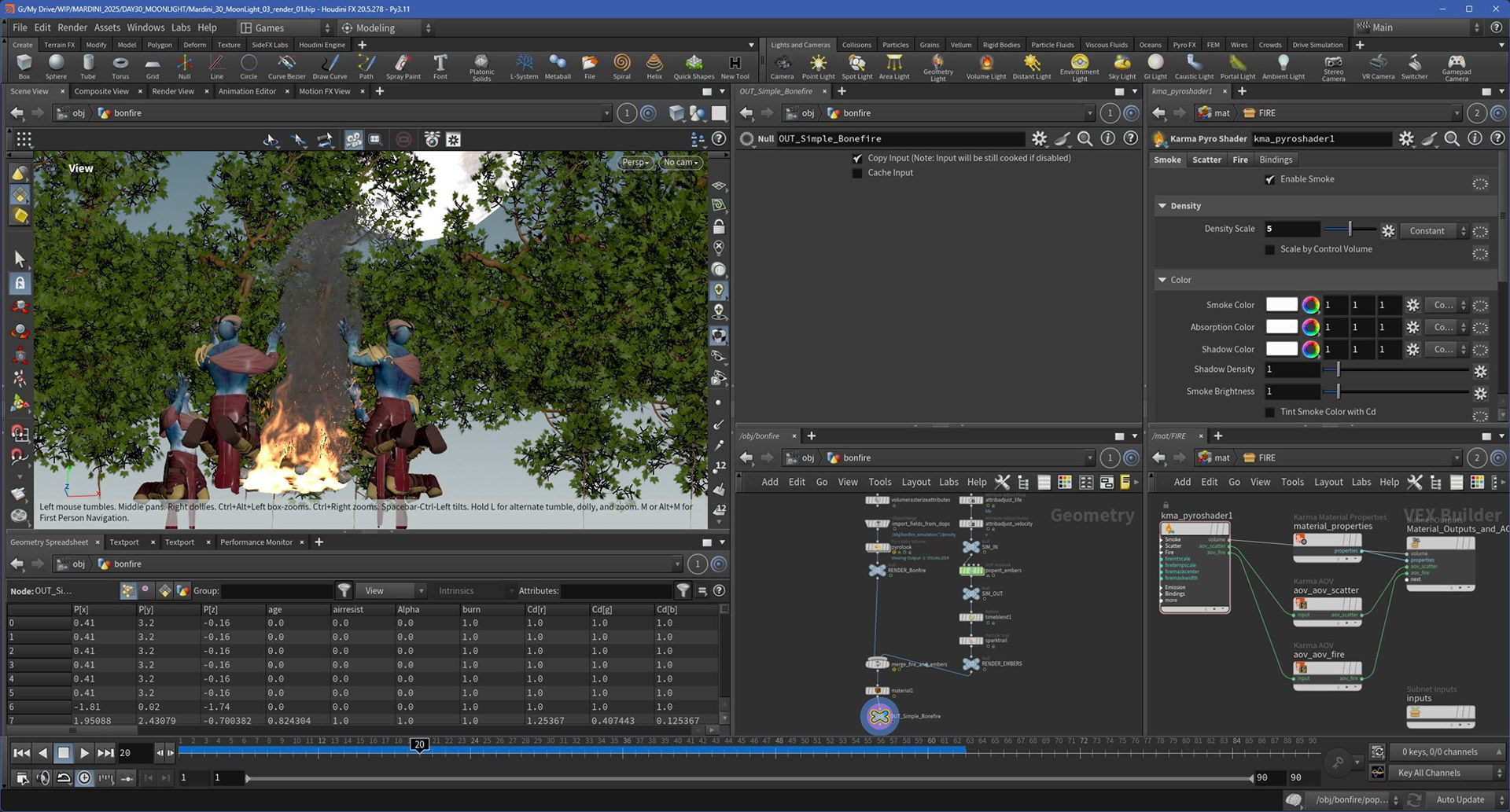
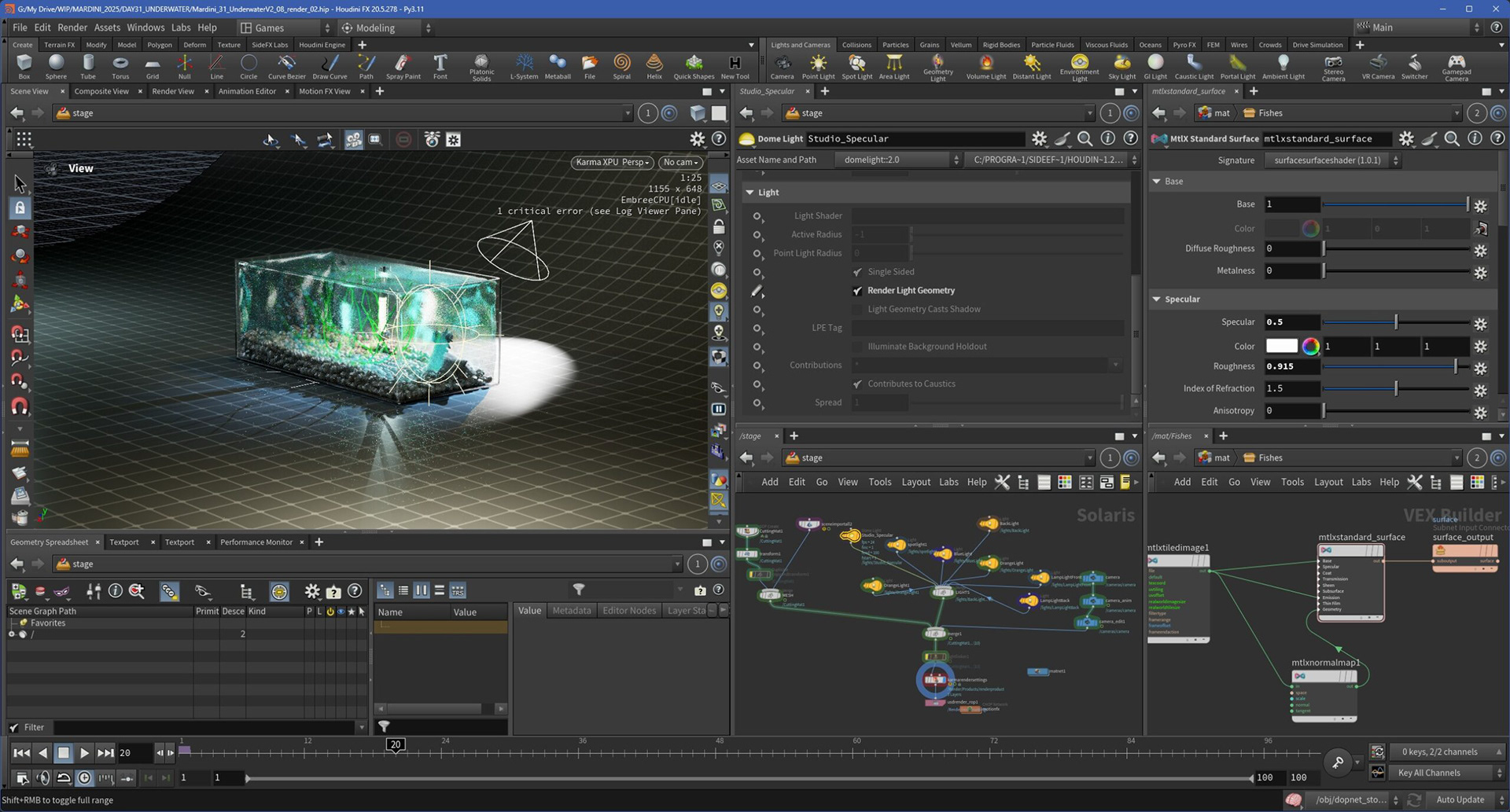
I experimented with day-night lighting cycles, created a nighttime campfire scene, and pushed refractions and transparency in an underwater-style render with an aquarium setup. I also worked on multi-pass EXR rendering, which I later composited in DaVinci Resolve to enhance lighting, color, and depth effects in post.